Retropa · iPhone & iPad
Play it again.
Now playing · CH 01 · Game Boy Advance
Game Boy Advance, Nintendo DS, SNES, Genesis and the arcade — on the iPhone and iPad you already carry. Skins that feel like the real thing. Screens that look the way you remember.
Every system you grew up with
Fourteen systems. One pocket.
Eight open-source emulator cores, tuned for iPhone and iPad. Pick a channel, bring your own games, and pick up exactly where you left off.
- CH 01 Game Boy Advance
- CH 02 Nintendo DS
- CH 03 Game Boy · Color
- CH 04 NES
- CH 05 Super NES
- CH 06 Genesis · Mega Drive
- CH 07 WonderSwan · Neo Geo Pocket
- CH 08 Arcade


Feel
Made for thumbs.
Glass has no edges. Thumbs drift, and presses land between buttons. Retropa's adaptive hot zones fill those gaps and follow where your thumbs actually land — and every button can have a click you feel.
Tap the pad — try the gaps between buttons.
Adaptive zones fill the gaps and drift toward your thumb, within limits. The last button holds on for a moment when you hesitate between two.
An illustration of the idea, not a frame-by-frame copy of the in-app engine.

A touch style for how you play.Plus
Five styles tune the adaptive engine for a genre. Use one everywhere, or give each game its own.
- 01PlatformerPrecise movement and jump timing.
- 02ShooterQuick direction swaps and reliable hold shots.
- 03FightingSmooth edge forgiveness through chained inputs.
- 04ActionSnap-in speed without losing a held button.
- 05RhythmRapid repeated taps with a steady tempo.
-
A click you can feel.Plus
Waveform haptics give every button its own press and release. Game Boy, Game Boy Color, GBA, NES and Super NES each come with four packs, and Curve Studio lets you shape intensity and sharpness button by button.
- Classic
- Best
- Soft
- Retropa
Haptics are felt on iPhone, not in a browser.

-
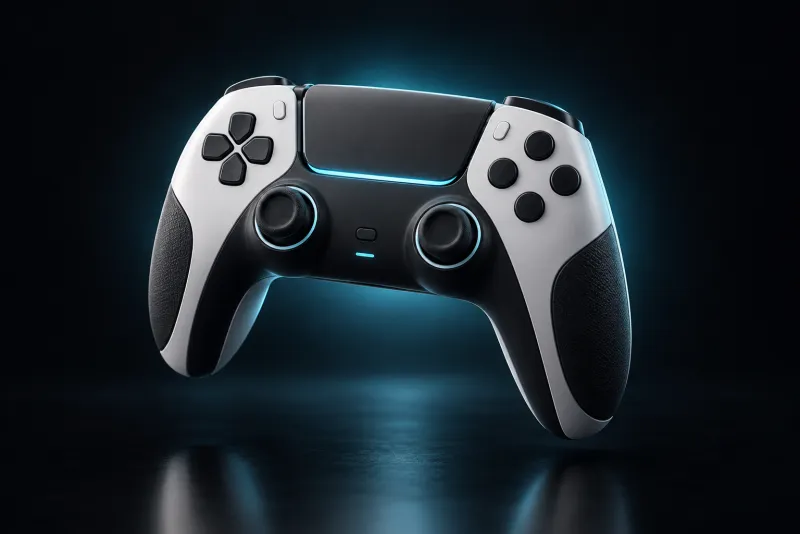
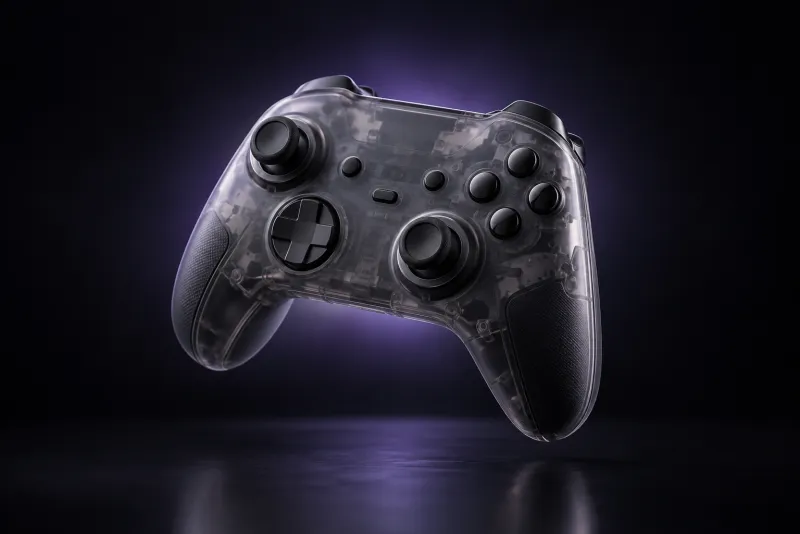
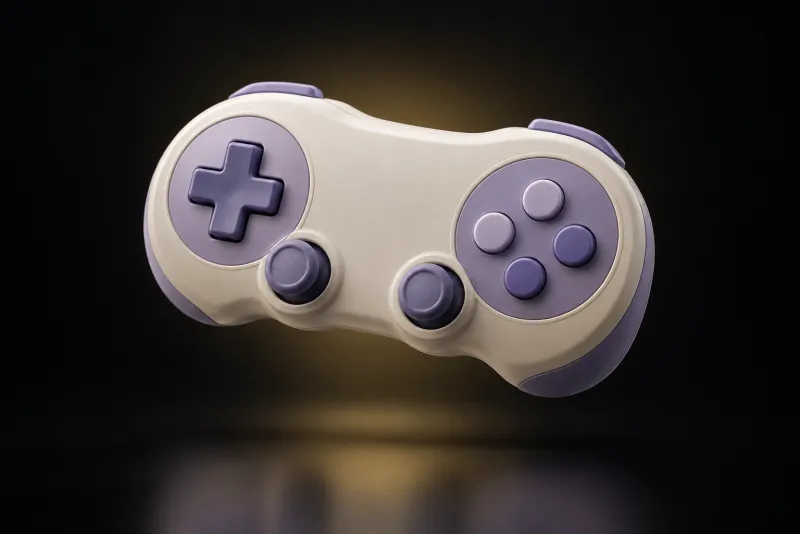
Pick up a controller. It's already mapped.
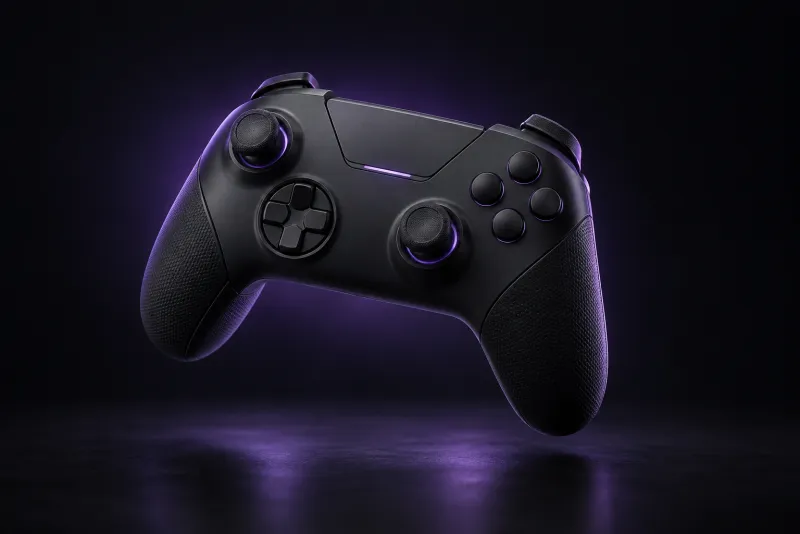
Retropa recognizes Xbox, DualSense and DualShock, Nintendo and 8BitDo layouts and applies a matching template. Each controller keeps its slot and profile, reconnects without setup, and rumbles where the controller can.
- Xbox
- DualSense
- Nintendo
- 8BitDo
Turbo, set per system, per button and per game.Plus
-
Sounds right, even at 2×.
Fast-forward without the chipmunk pitch. Then add a GBA SP speaker model, a headphone spatializer, tape warmth — seventeen effects in all.

Bring your games
Four ways in.
Retropa ships without games or BIOS files. Getting your own in takes seconds, wherever they live.


- 01
Files and AirDrop
Pick one file or many from the Files app — .gba, .nds, .zip, .7z and more than thirty other formats. Game Boy, GBA, NES, Super NES, ZIP and 7Z files also open straight into Retropa from AirDrop or another app.
- 02
Wi‑Fi from your computer
Start the Portal, open the address it shows in any browser on the same Wi‑Fi, and drag games and packs straight in. Add BIOS files and tidy up your library from the big screen, too.
- 03
The built-in browser
Download a file in Retropa's browser and it goes straight to import. Temporary downloads clean up after themselves.
- 04
The Homebrew catalog
No games yet? Pick a free, legally distributed homebrew game and play it a moment later.
- .gba
- .nds
- .gb
- .gbc
- .nes
- .fds
- .unf
- .unif
- .sfc
- .smc
- .swc
- .fig
- .bs
- .st
- .md
- .gen
- .smd
- .sms
- .gg
- .ws
- .wsc
- .ngp
- .ngpc
- .ngc
- .nsf
- .nsfe
- .cps1
- .zip
- .7z
- .retropack
- .retropaskin

Something missing? It says what.
BIOS files are grouped by the core that uses them, each marked present or missing. When a game needs one, the launch screen takes you straight to the right place.
When an arcade set is incomplete, Retropa names the exact files that are missing — and keeps BIOS parts such as QSound separate from the game's own files.
Covers are matched from the file itself, so your library shows box art instead of file names.
ROMs and BIOS files are not included. Import only content you are entitled to use.
The complete import guideSkins
Wear it.
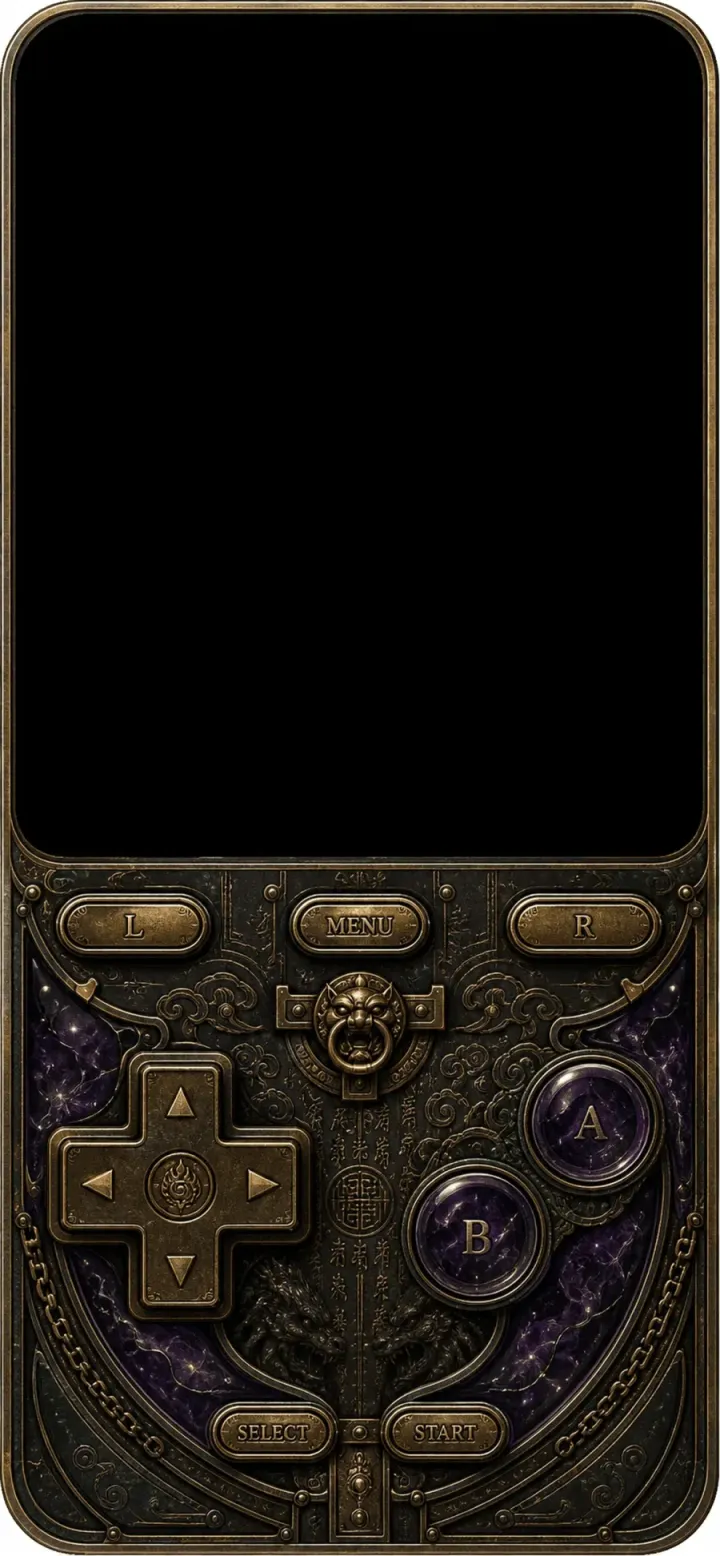
The controller on your screen is a surface you can redesign. Pick a shell, a material and a layout, in portrait or landscape, and the buttons you know by heart feel new again.
How skins work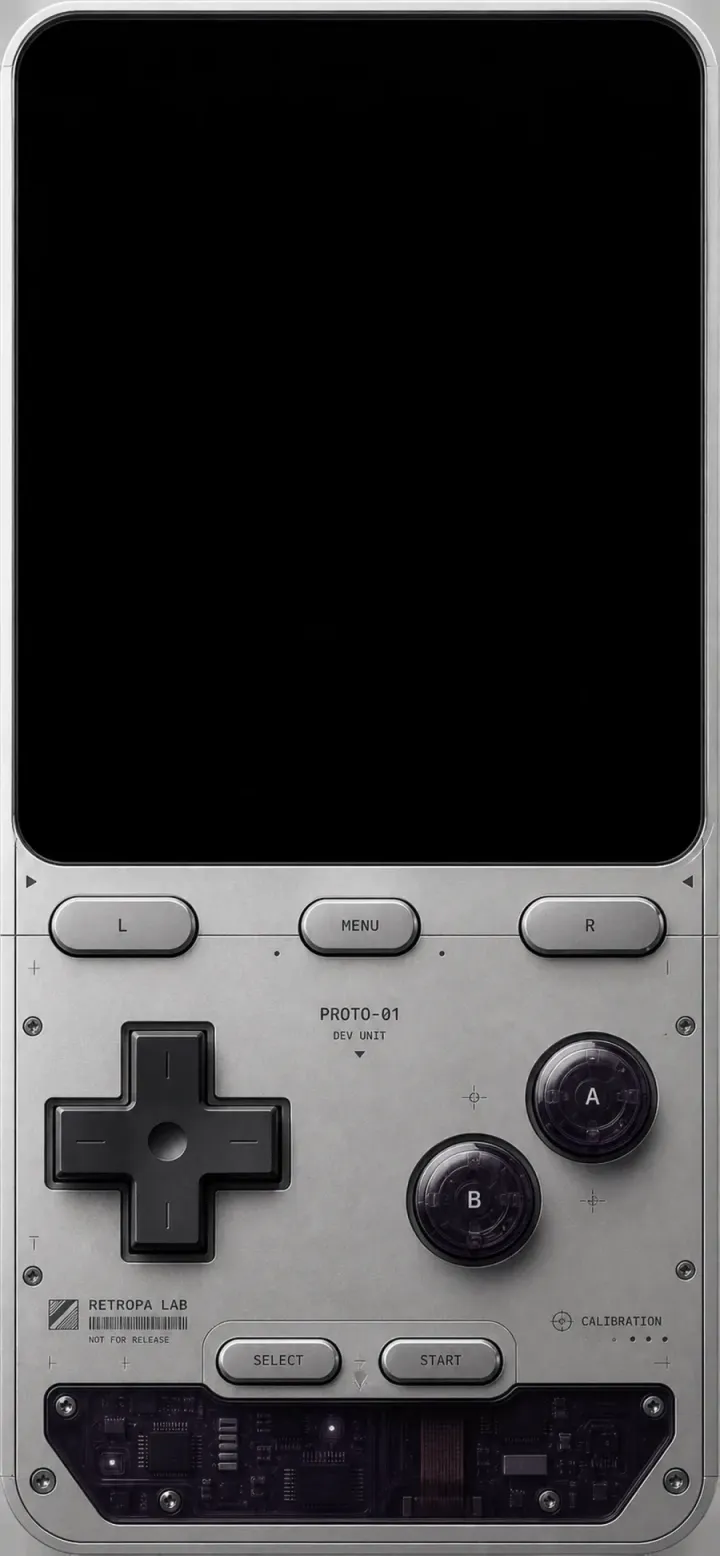
Prototype 01 · GBAPlus
Retropa advanced filters
A great picture. Not just at integer scales.
Your game does not have to fit a 2x or 3x box. Retropa advanced filters adapt to the actual display area, keeping the character of a retro screen across iPhone and iPad sizes.
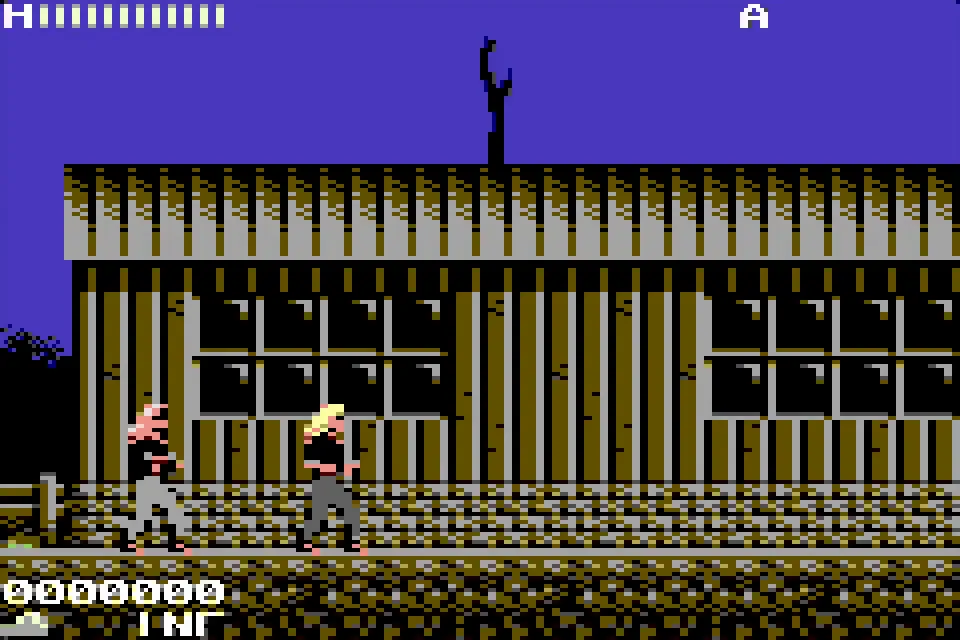
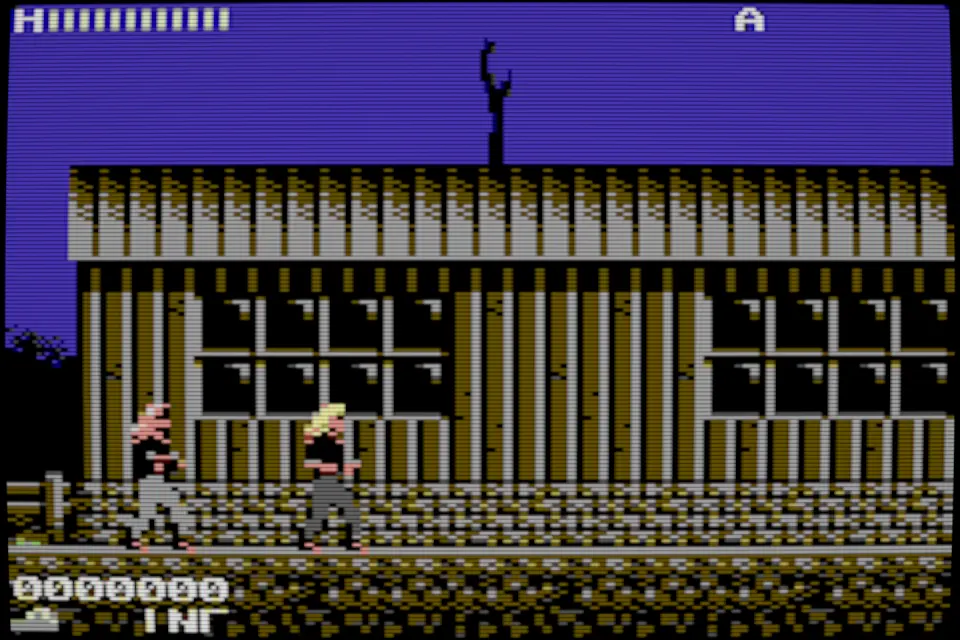
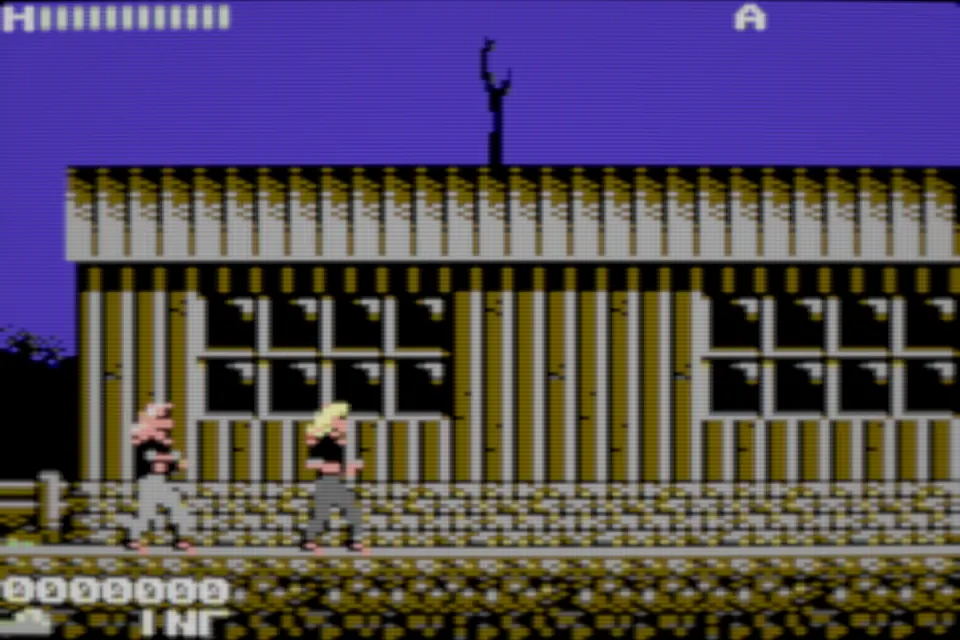
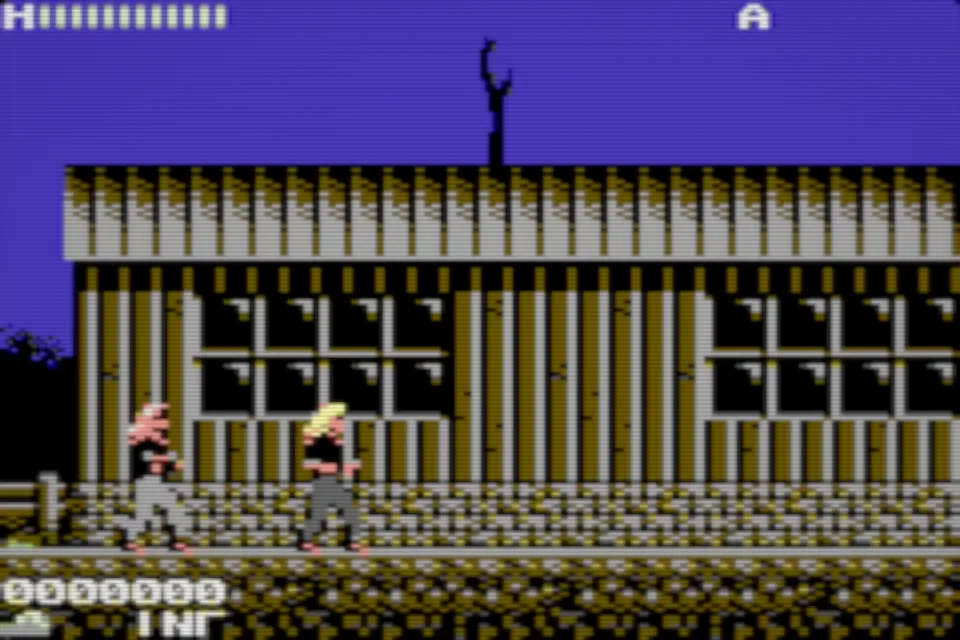
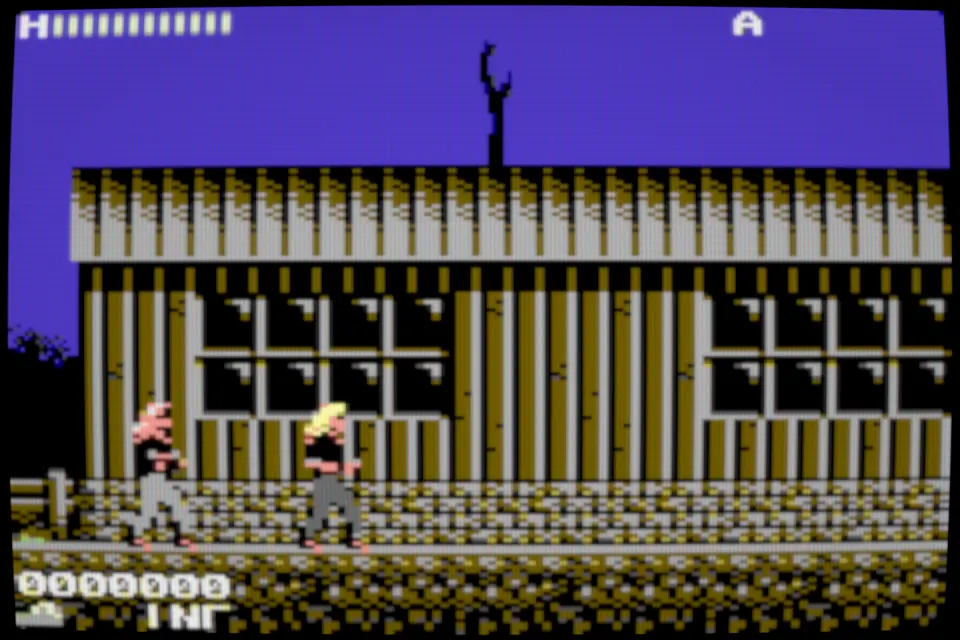
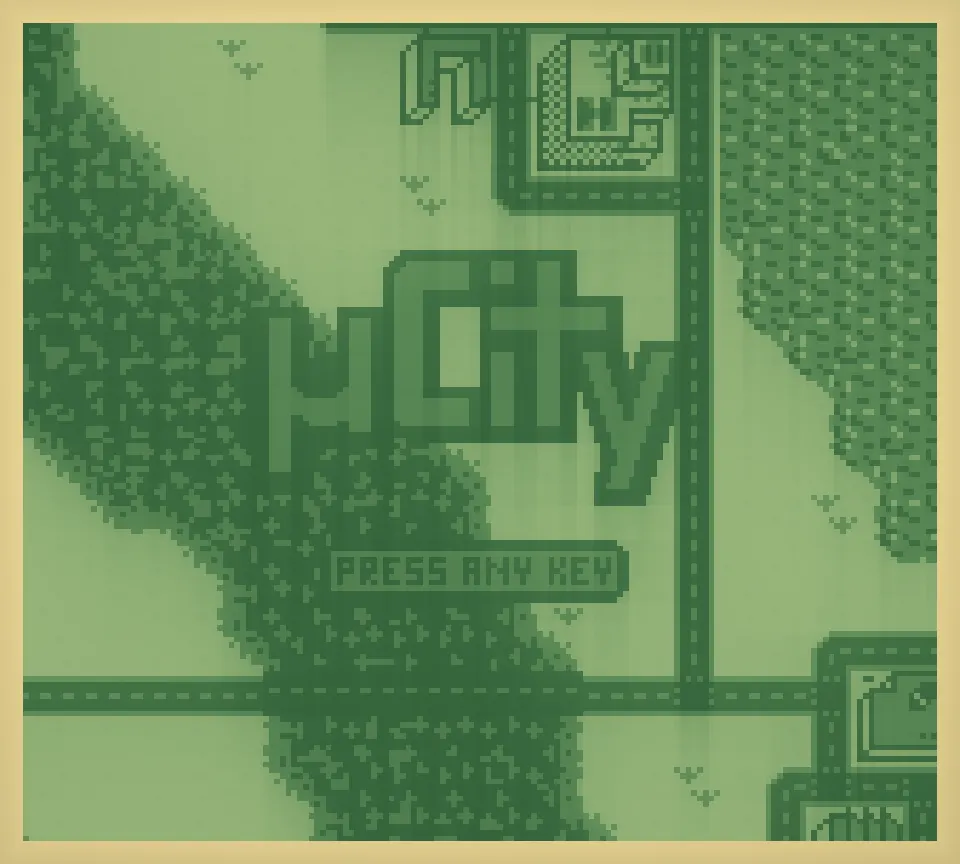
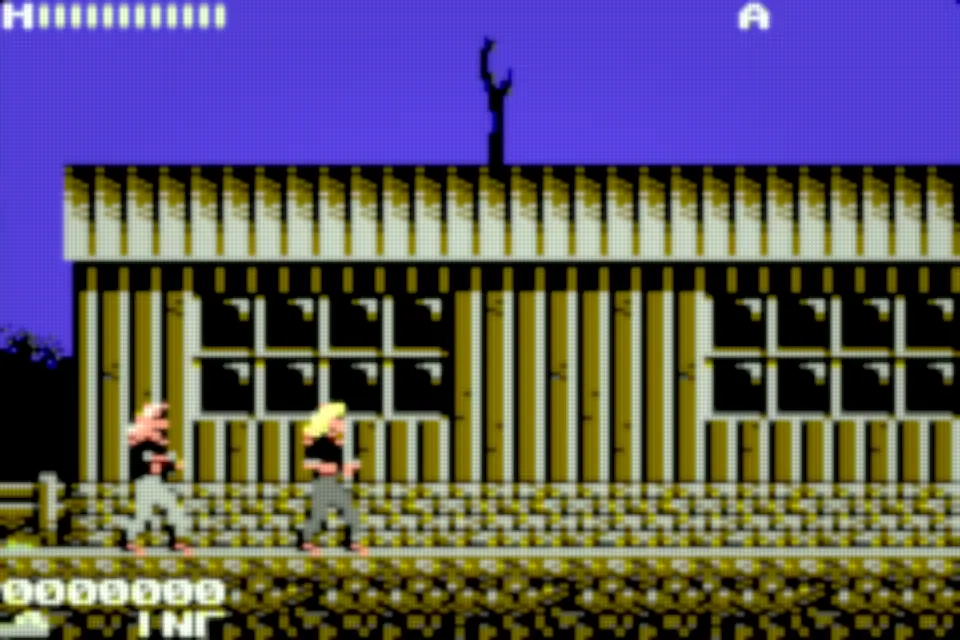
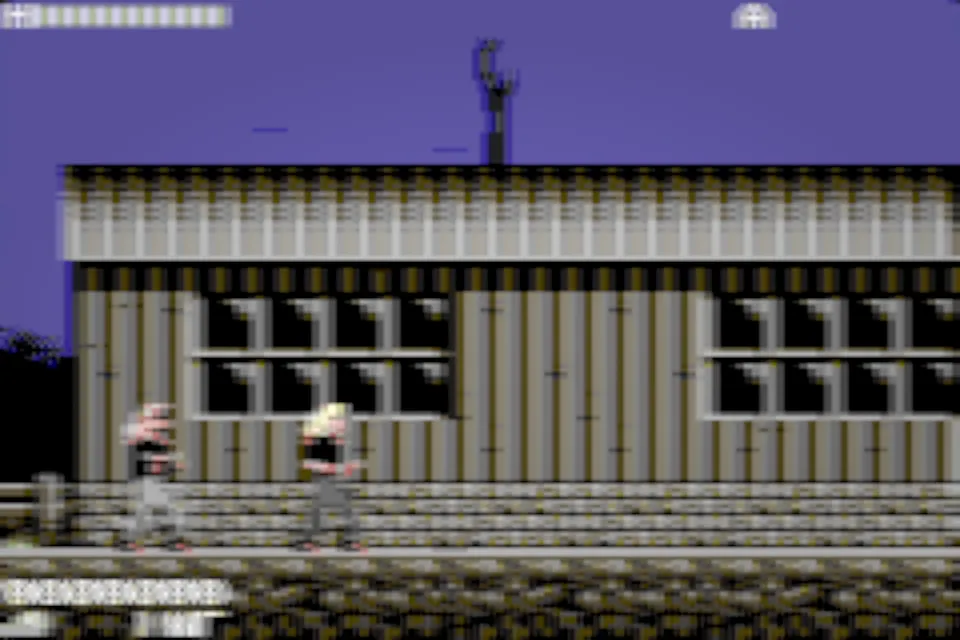
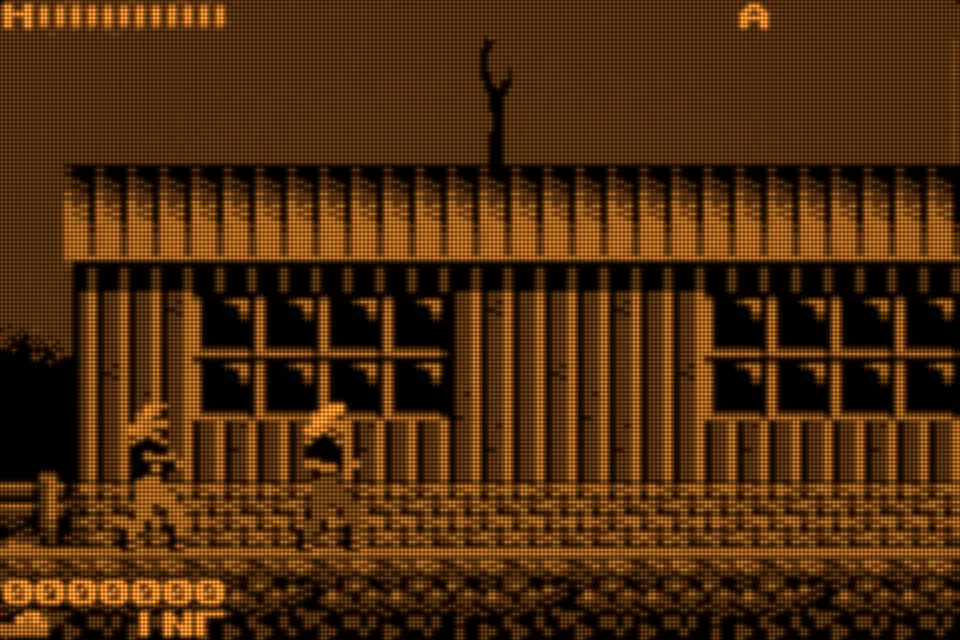
Retropa CRT V4A consumer tube rebuilt from how the beam actually lands on each output pixel: round scanlines, a soft glow and a grille that never shimmers at odd sizes.
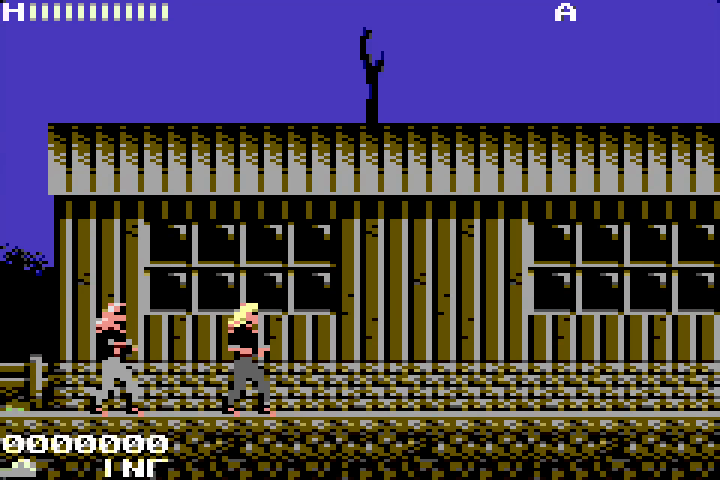
Stills rendered offline by Retropa's native Metal filters at 6× from Metal Warrior 4 (GBA) and uCity (Game Boy). The app renders them live, with motion effects these stills cannot show.
See all 64 filtersFit the screen. Keep the picture.
Whole-number scaling gives each game pixel an exact block of screen pixels, which is crisp but often leaves black bars around the picture. Retropa's advanced filters measure the real output area instead, so nothing forces them into a 2x or 3x multiple. Your aspect ratio survives while the picture still fills the phone or the skin.
- Conventional grids and scanlines
- Lines or grids sampled by rote can go uneven, shimmer or pick up moire patterns once the scale stops being a whole number. How bad it gets depends on the filter.
- Retropa advanced filters
- Working from the output pixel's coverage, or limiting the signal band, lets detail finer than a pixel blend the way it should instead of forcing a stripe onto every display pixel.
Filters do not add source resolution or require a stretched aspect ratio. Final appearance and performance still depend on the device, preset and display size.

Advanced filters are included with Retropa Plus.
Console Mode Plus
Your TV is the screen. Your iPhone is the controller.
Send the game to a TV or external display and keep playing on the phone in your hands — or pair a controller and sit back.
- 01Connect
Hook up a TV or display to your iPhone.
- 02Play big
The game takes over the big screen, filter and all.
- 03Hold the controls
Your iPhone becomes the controller.
Your collection
Everything you play, beautifully kept.
-

Rewind the mistake
Save anywhere, browse a timeline of save states, and rewind on supported systems.
-
Skip the grind
Fast-forward through the slow parts, or hold to boost for a moment.
-

A library with covers
Your games, sorted into collections with cover art instead of file names.
-

Medals worth earning
Honor turns milestones into 3D medals you can turn in your hand.
-

Save the moment
Clip the last few seconds of play and share it from Photos.
-

Saves in iCloud
Back up and restore your save states with iCloud Drive.
Channel 08 · Arcade
Insert coin.
CPS I, II and III, Neo Geo, PGM, Irem M92 and Midway boards, with cabinet-sized skins built for them. Arcade play is part of Retropa Plus — try it in the app before you decide.
Plus
Arcade on iPhone and iPad- 01CPS I
- 02CPS II
- 03CPS III
- 04Neo Geo
- 05PGM
- 06Irem M92
- 07Midway T/W
Free & Plus
Free to play. Plus for the feel.
Free
- All fourteen handheld and console systems
- Import from Files, the Wi‑Fi Portal, the browser or the Homebrew catalog
- BIOS management that names what is missing
- Game controllers with ready-made templates
- Delta skin import
- Save states and rewind
PlusRetropa Plus
- Adaptive touch with five touch styles
- Custom haptics and Curve Studio
- Turbo and multiple controller setups
- Arcade boards
- Console Mode on your TV
- Premium skins and advanced CRT filters
- Seventeen audio effects
- More save slots and longer highlight clips
Plans and local prices are shown in the app.
Free to download. Optional in-app purchases. iOS 18 or later.
Built on open source
Standing on the shoulders of emulators.
Retropa runs mGBA, SkyEmu, SameBoy, ares, jgenesis, LakeSnes, Rustico and TetaNES — the work of open-source communities we're grateful for.
Your games stay yours.
Your files stay on your device, and you don't need an account to play.
- mGBA
- SkyEmu
- SameBoy
- ares
- jgenesis
- LakeSnes
- Rustico
- TetaNES
Gameplay footage METAL WARRIOR 4: AGENTS OF METAL — Covert Bitops (BSD-style) · uCity — AntonioND/SkyLyrac (Antonio Nino Diaz) (GPL-3.0-or-later / CC BY-SA 4.0) · Nova The Squirrel — NovaSquirrel (GPL-3.0) · Horizontal Shooter — Marcus Rowe (Undisbeliever) (MIT / CC0) · Digger Chan — Aypok (GPL-2.0)
Questions, answered.
Does Retropa include games or downloadable ROMs?
No. Retropa is an emulator, not a commercial game subscription or ROM store. Bring content you have the right to use, such as your own projects or homebrew distributed with permission. Commercial ROMs and BIOS files are not supplied.
How do I import a GBA or DS ROM on iPhone?
Keep the game file in a location accessible through the iOS Files app. Open the import entry in Retropa's library, select the supported file and open the imported game from the library. GBA uses .gba and DS uses .nds. Renaming a different file extension does not convert a game to the correct format.
Can I use Delta skins in Retropa?
Retropa supports importing .deltaskin packages. Use the complete package, choose a layout for the matching system and check its portrait or landscape support. Format support does not guarantee every third-party skin fits every iPhone. Delta compatibility describes a file format, not an affiliation.
Does Retropa support Bluetooth or external game controllers?
Retropa supports compatible external controllers and configurable button mapping. Connect the controller through iOS first, then check its mapping in Retropa. For arcade games, verify coin and start assignments as well as action buttons. Compatibility depends on the controller and iOS support.
Is Retropa free, and what does Plus unlock?
Retropa is free to download. Arcade cores, premium skins and advanced filters require Retropa Plus. Current plans, regional prices and purchase terms are displayed inside the app before purchase. A free download does not mean every core or resource is included.
Which iPhones and iPads can run Retropa?
Retropa is available through the App Store for iPhone and iPad running iOS 18 or later. Check the App Store compatibility section for your device. More demanding arcade cores and multi-pass display filters can require more performance than a simple handheld game.